Now comes with an extension for Visual Studio Code to help writing CHL scripts!
First download
Visual Studio Code and install it, then launch the land editor, go to
Edit -> Preferences... -> Integrations and press
Install / Update Extension.
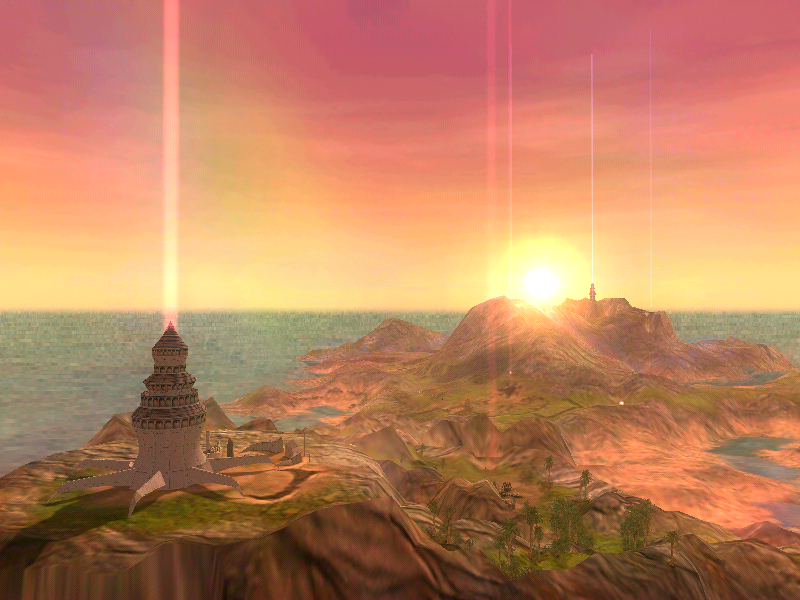
In VSCode move the caret within a coordinate string, a temporary marker is displayed on the map; move the caret to another position to hide the marker.
In the land editor you can activate the tool
Pick coordinates (the GPS icon on the toolbar) and use
CTRL+click to insert/update the coordinate string with the clicked location.